 Time View
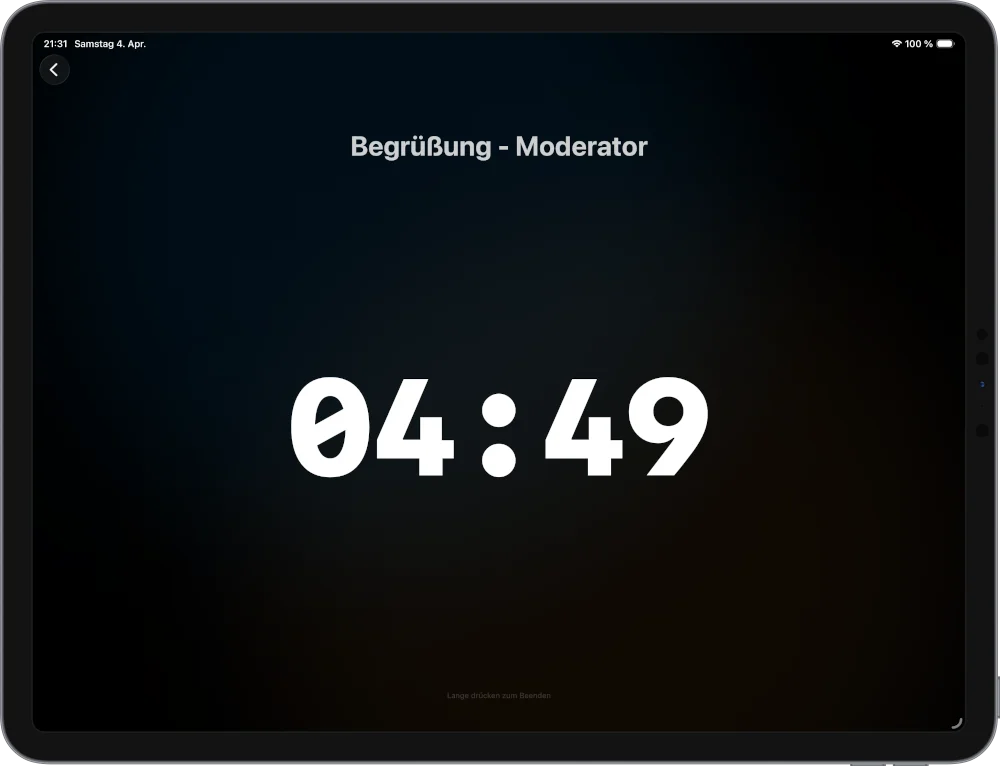
  Time Left: 4:58
 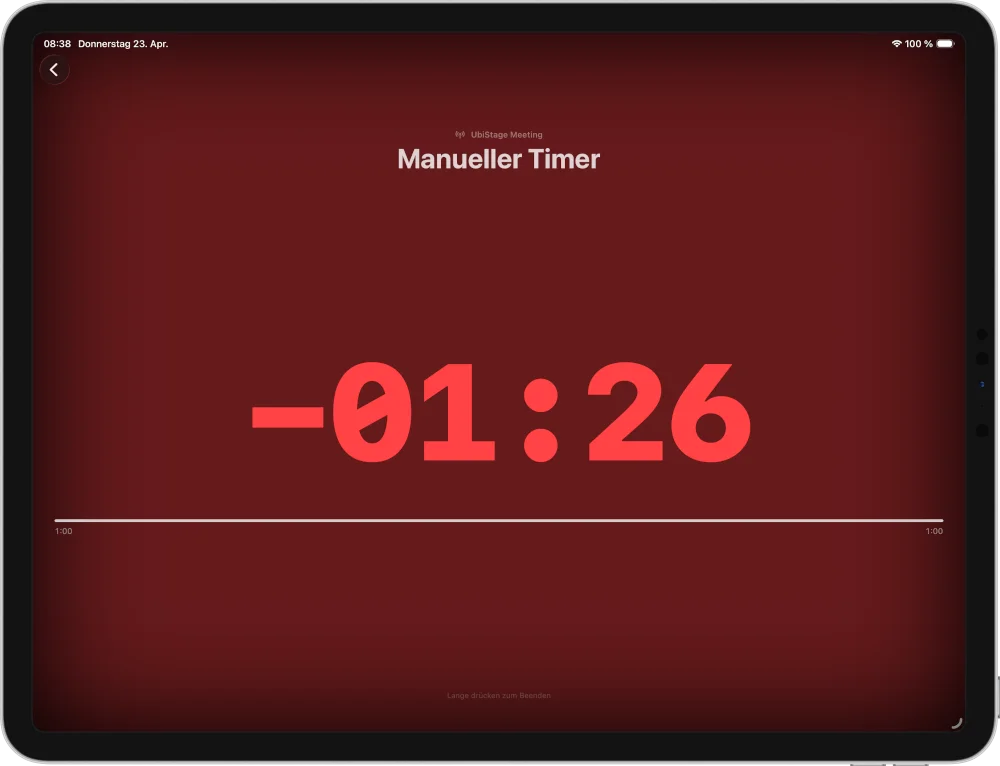 Overtime: 1:26
 The Stage Clock for Every Screen in the Room.
Stage time, perfectly in sync.
UbiStage Timer is the stage clock app for iPhone and iPad. Connect unlimited displays as synchronized event timers over your local network – no internet, no setup.

A look inside the App
UbiStage Newsletter
Sign up and we'll keep you posted on new features, the upcoming Pro version, and UbiStage news.
Lag-Free Synchronization
Every display shows the same countdown – virtually lag-free. Perfect for events, conferences, and stage productions with multiple speaker timers.
Auto-Discovery
Zero configuration: the stage clock app finds all displays automatically on your local network. Open the app, connect, and start.
Central Timer Control
Control all event timers and stage clock displays centrally from the host device. Discreet for the speaker, precise for the production team.
Why UbiStage?
No Internet Required
The stage clock runs entirely on your local network. No cloud, no external servers – ideal for stages, conferences, and live events.
Synchronized Event Timer
All stage clock displays switch practically simultaneously. No visible drift, no lag – even with multiple parallel speaker timers.
Traffic Light for Speakers
The countdown timer automatically changes color – Green, Yellow, Red. Clear visual cues for speakers, subtle for the audience.
Frequently Asked Questions
Do I need an internet connection to use UbiStage Timer?
No. UbiStage Timer runs entirely on your local network – no cloud, no external servers. The host and displays connect directly over Wi-Fi or a mobile hotspot. Perfect for venues with poor or no internet connectivity.
How many displays can I connect at once?
As many as you need. UbiStage Timer has no technical limit – connect one display or twenty. During the beta phase, the number of displays is unlimited.
How accurate is the synchronization?
All displays show the countdown practically simultaneously. UbiStage Timer uses its own synchronization protocol (UTSP) over UDP on the local network, which produces no visible drift even with many parallel displays.
Does UbiStage Timer work without a Wi-Fi router?
Yes. An iPhone or iPad used as a mobile hotspot is enough. The host connects to the hotspot, and so do the displays – that's it. No router, no internet required.
What is the difference between host and display?
The host controls the timer: it starts, pauses, and stops the countdown. Displays show the timer – they receive data from the host and update automatically. One device takes the host role, all others become displays.
Which devices are supported?
UbiStage Timer runs on iPhone and iPad with iOS 17 or later. Any iPad works great as a display – even older models. An Android and web version are planned for a later phase.
Can I use an iPad as a display?
Yes, that's the most common use case. An iPad in landscape mode as a stage clock on a stand or table – visible to speakers, subtle for the audience.
Is there an Android or web version?
Not yet. UbiStage Timer is currently available exclusively for iOS (iPhone & iPad). An Android version and a web client are on the roadmap but not yet scheduled.
What kinds of events is UbiStage Timer suited for?
UbiStage Timer is ideal wherever speakers or moderators need to be timed: conferences, corporate presentations, church services, livestreams, panel discussions, training sessions, sports events, and TV productions.
What happens when the time runs out?
The countdown switches to overtime mode and continues as a negative timer – e.g. "–1:26". The display turns red so speakers immediately see they've gone over. The host can stop it manually at any time.
Can I run multiple timers at the same time?
Currently one active timer per session is supported. Multiple parallel sessions (e.g. Room A and Room B) are planned for a future version.
Is UbiStage Timer free?
During the public beta, UbiStage Timer is free on the App Store. Pricing after the beta hasn't been finalized yet – a Pro version with advanced features is planned.
Where can I get UbiStage Timer?
UbiStage Timer is available free as a public beta on the App Store – for iPhone and iPad. Just download and go, no code or invite required.